Help
To get the best experience with Edufit, we recommend that students and teachers use:
System requirements
- A computer, laptop, or Chromebook with a working camera.
- The Chrome browser (recommended).
- A stable internet connection.
Find additional help by watching video guides here:
Video guides (Danish)Tips to get the best experience
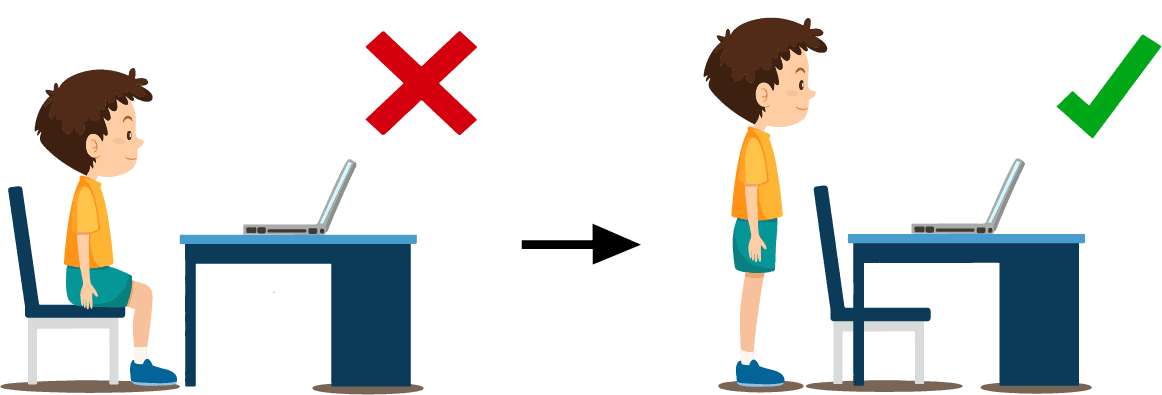
Stand up:
Edufit is used while standing, so you can move around.
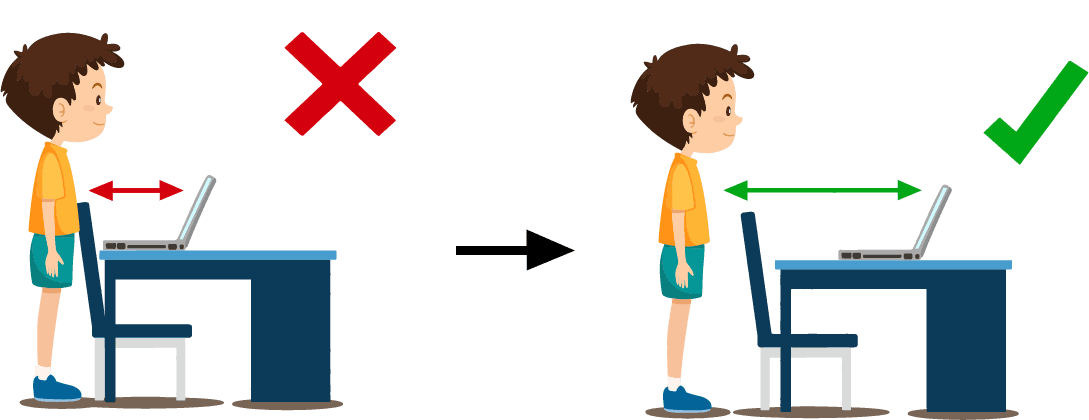
Find the right distance to the computer:
The camera works best when your whole body is visible and can move freely.

Adjust the angle of the computer screen:
The angle should be adjusted so you can stand upright and move freely.
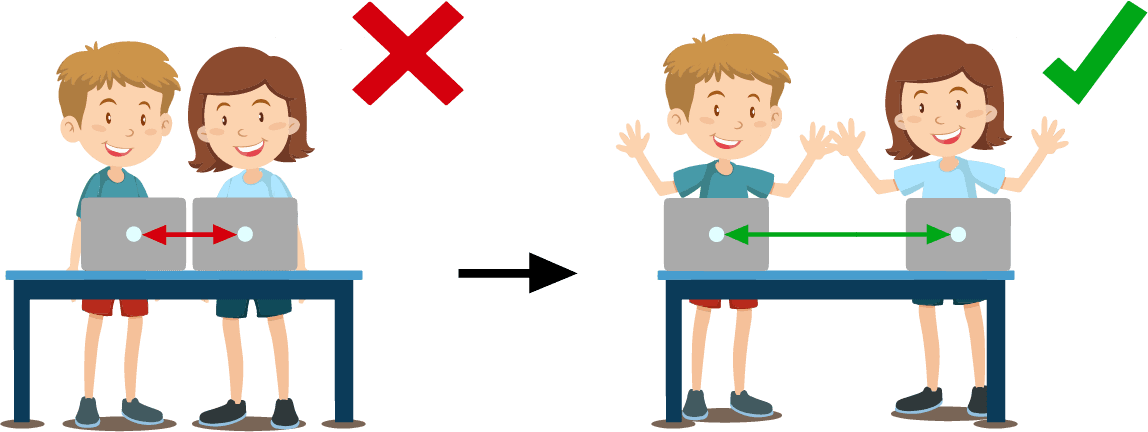
Utilize the space in the room:
This way, everyone can move freely without disturbing each other.